
Installation
Official Installation
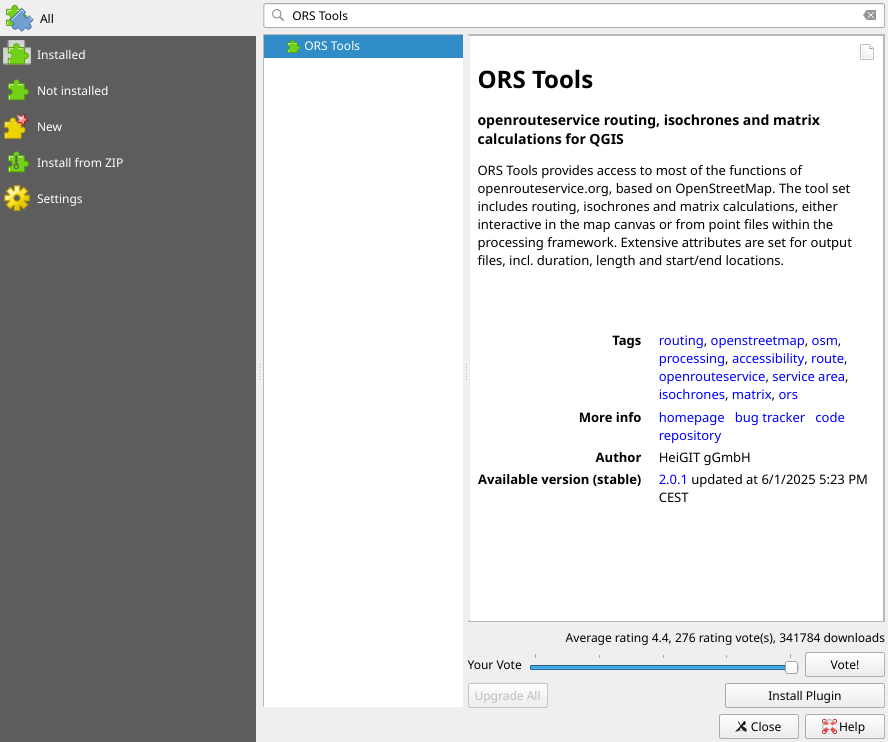
The ORS plugin is available over the official QGIS plugin repository and is best installed from the QGIS built-in Plugin Manager.
Setup - Provider and API Key
In the configuration window (Web > ORS Tools > Configuration) you have set up the API key, which will be saved locally in the QGIS settings and will automatically be used across all tools. Other settings are described below.
Sign up for an API key
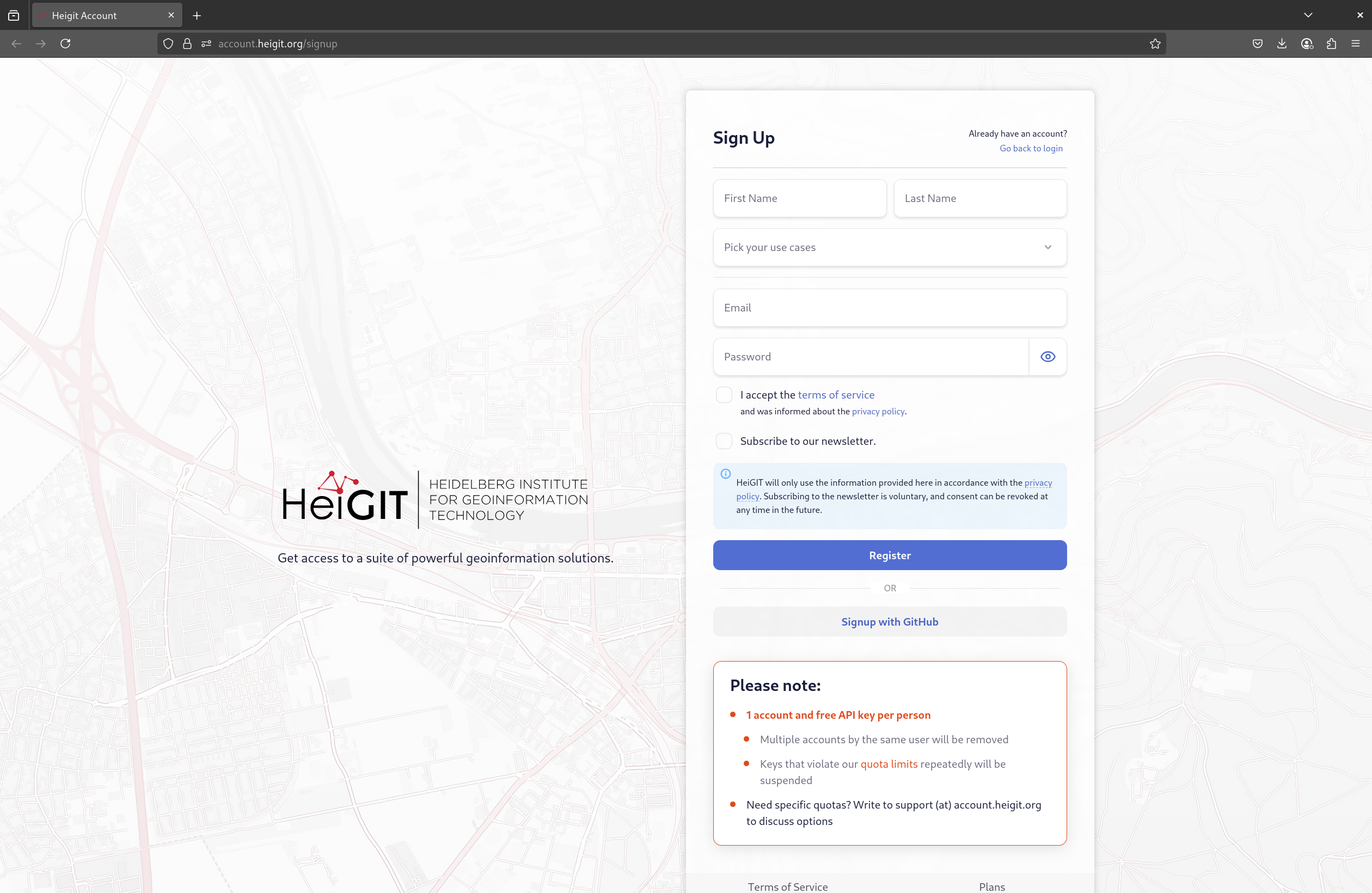
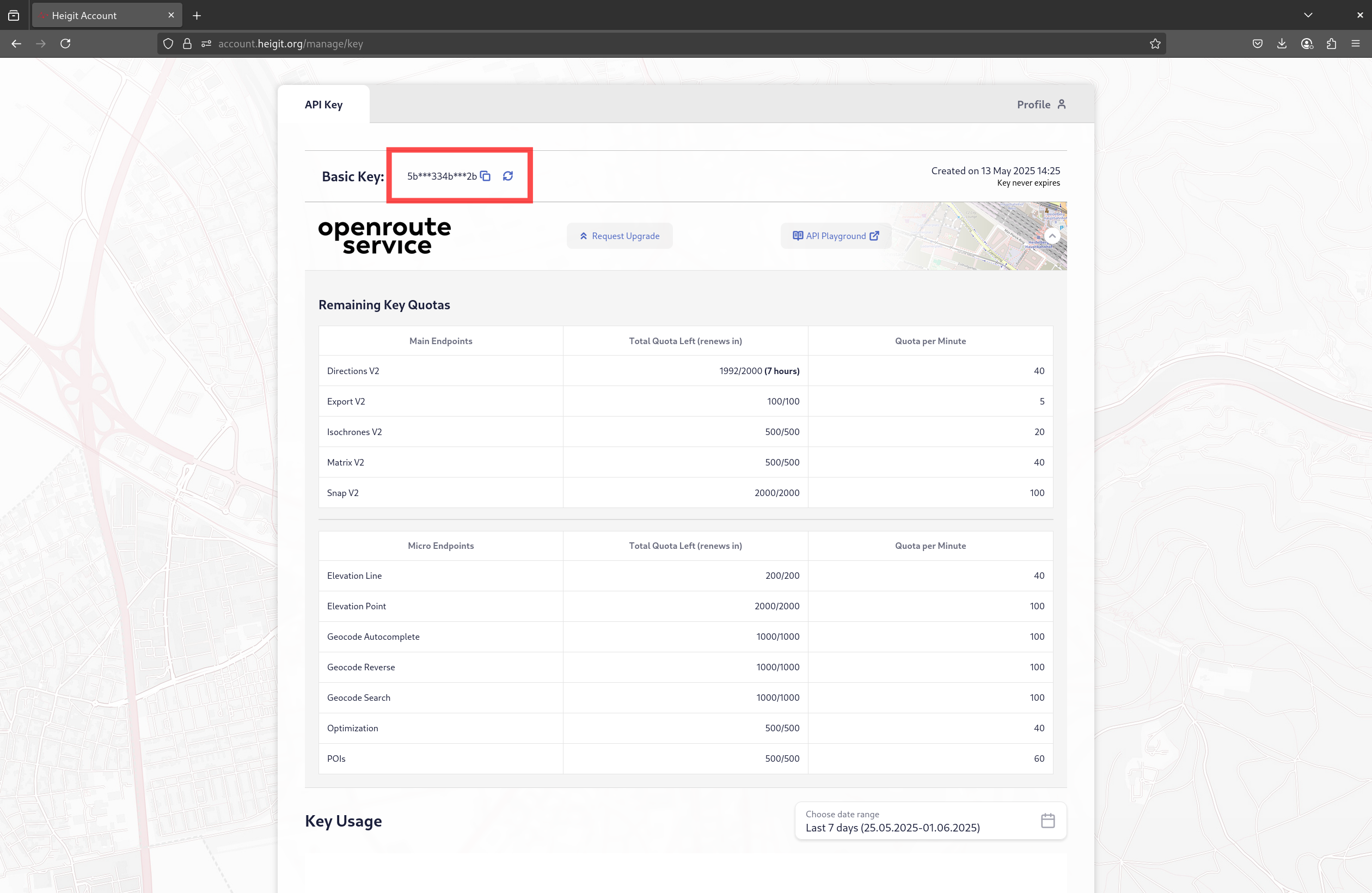
First, you'll have to sign up and copy your API key from your HeiGIT account.
Set up the API key in QGIS
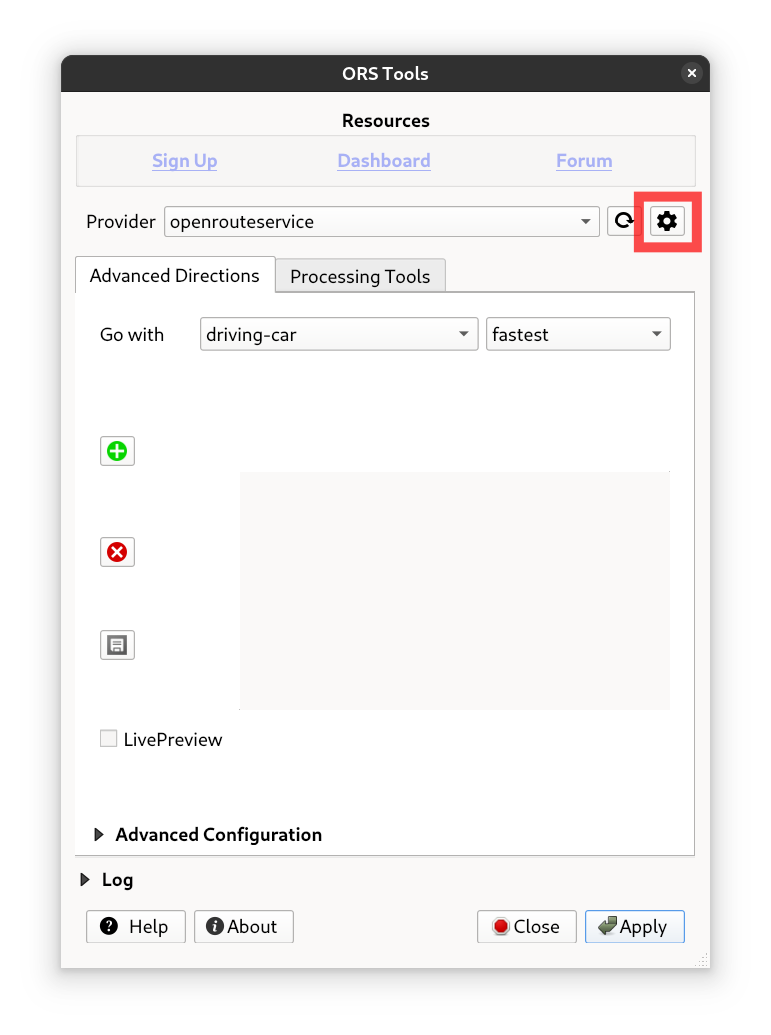
- Open the configuration window by going to
Web>ORS Tools>Configuration. Or by clicking the gear icon in the plugin. - Open the provider box by clicking on the caret icon next to the provider name.
- Enter your API key in the
API Keyfield.
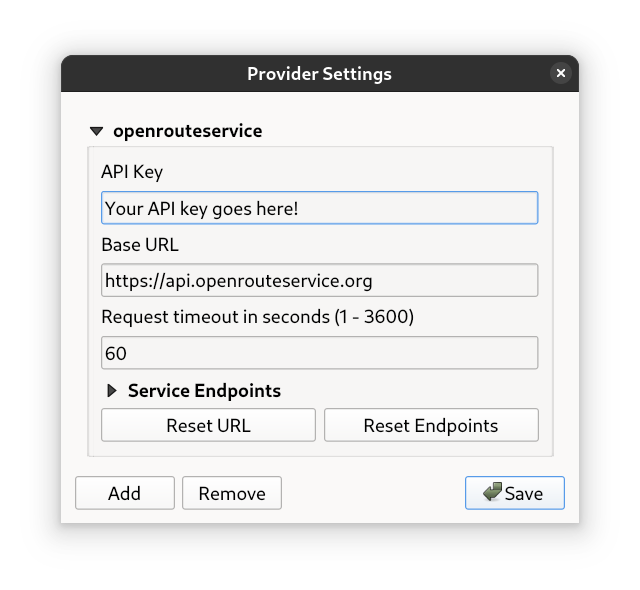
Further Settings
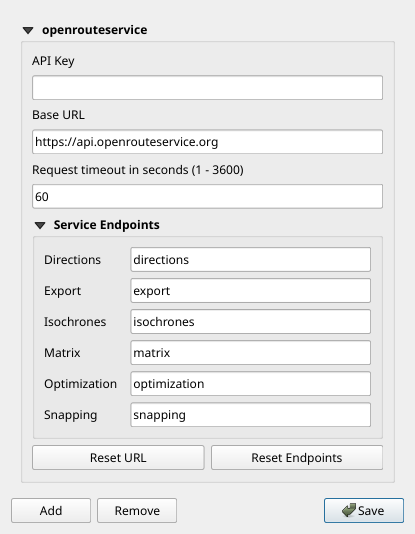
Base URL
The Base URL controls what openrouteservice instance the plugin connects to. For a local instance, set this to the URL your instance runs under. By default, this should be http://localhost:8082.
To get back to the default URL for the public API, use the Reset URL button.
Request Timeout
The Request timeout in seconds (1 - 3600) setting controls when the plugin will timeout any request to the configured openrouteservice instance. Large request to self-hosted instances might take longer than the default of 60 seconds, so a higher value can be configured.
Service Endpoints
All settings under Service Endpoints control what API endpoint the corresponding processing algorithms are contacting. Since openrouteservice v9.0.0, endpoint names are configurable for local instances.
To get back to the default endpoints used by the public API, use the Reset Endpoints button.
Adding providers
TODO: How to and what to
Nightly Installation
If you want to use any unreleased feature, you can always install the current development version of the plugin manually.
- Download the ZIP archive from the
mainbranch - Unzip and copy the folder
ORStoolsinto your system's QGIS plugin directory:
- Linux:
~/.local/share/QGIS/QGIS3/profiles/default/python/plugins - Windows:
C:\Users\USER\AppData\Roaming\QGIS\QGIS3\profiles\default\python\plugins - Mac OS:
Library/Application Support/QGIS/QGIS3/profiles/default/python/plugins
- Restart QGIS and if necessary, activate the ORS Tools plugin over the Plugin Manager.